stickfigures. Art brings
good company

A LITTLE ART. A HAPPIER SPACE.

Let’s make room for
happy accidents.

“We do not make mistakes, we have happy accidents”

A little nod to Bob Ross

1.

Your room

A little corner of your world.

JPG, PNG or WebP · up to 12 MB
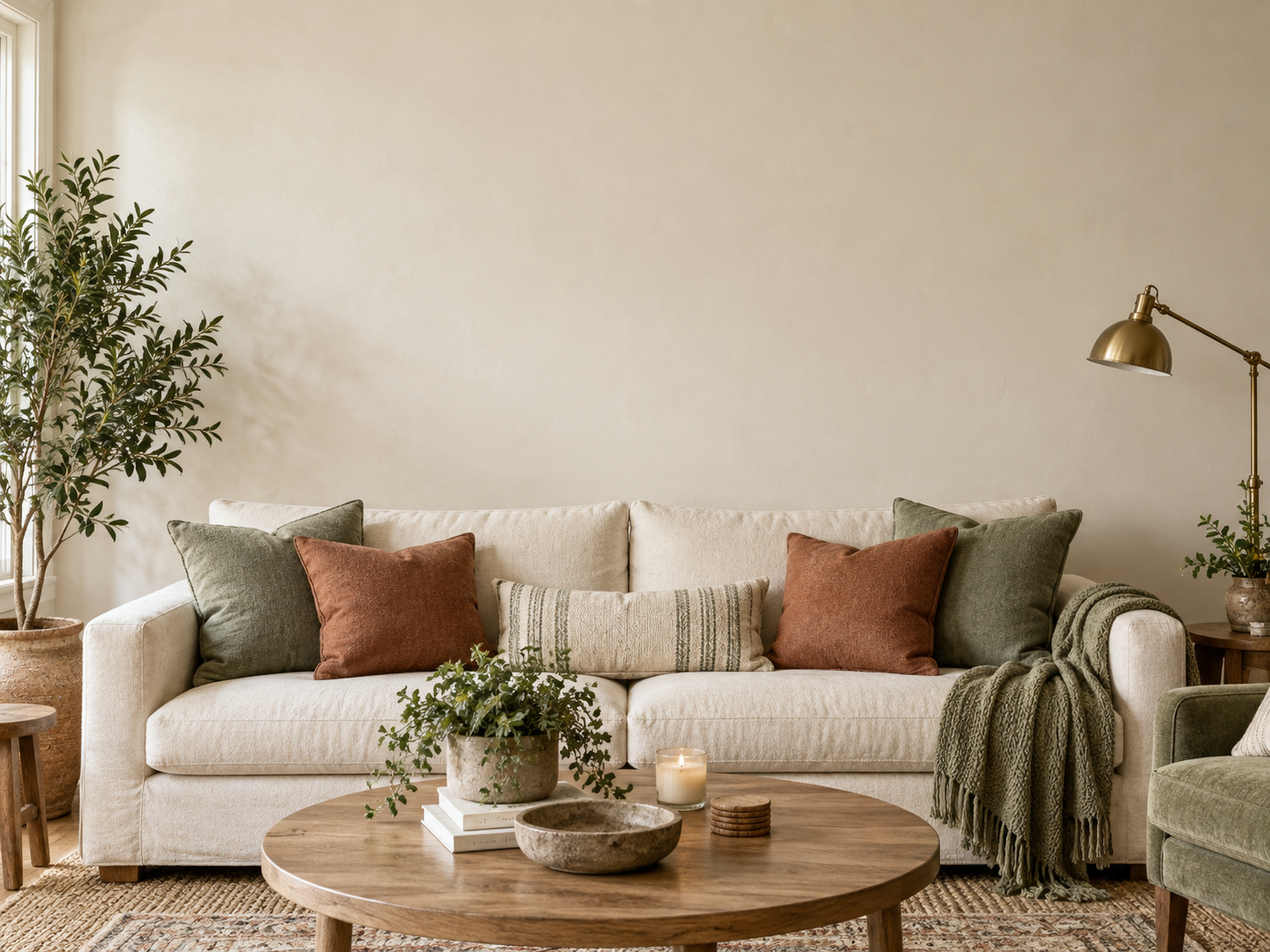
A cozy living room with a cream sofa and space for art
2.

Your image

Something you’d love on your wall.

JPG, PNG or WebP · up to 12 MB
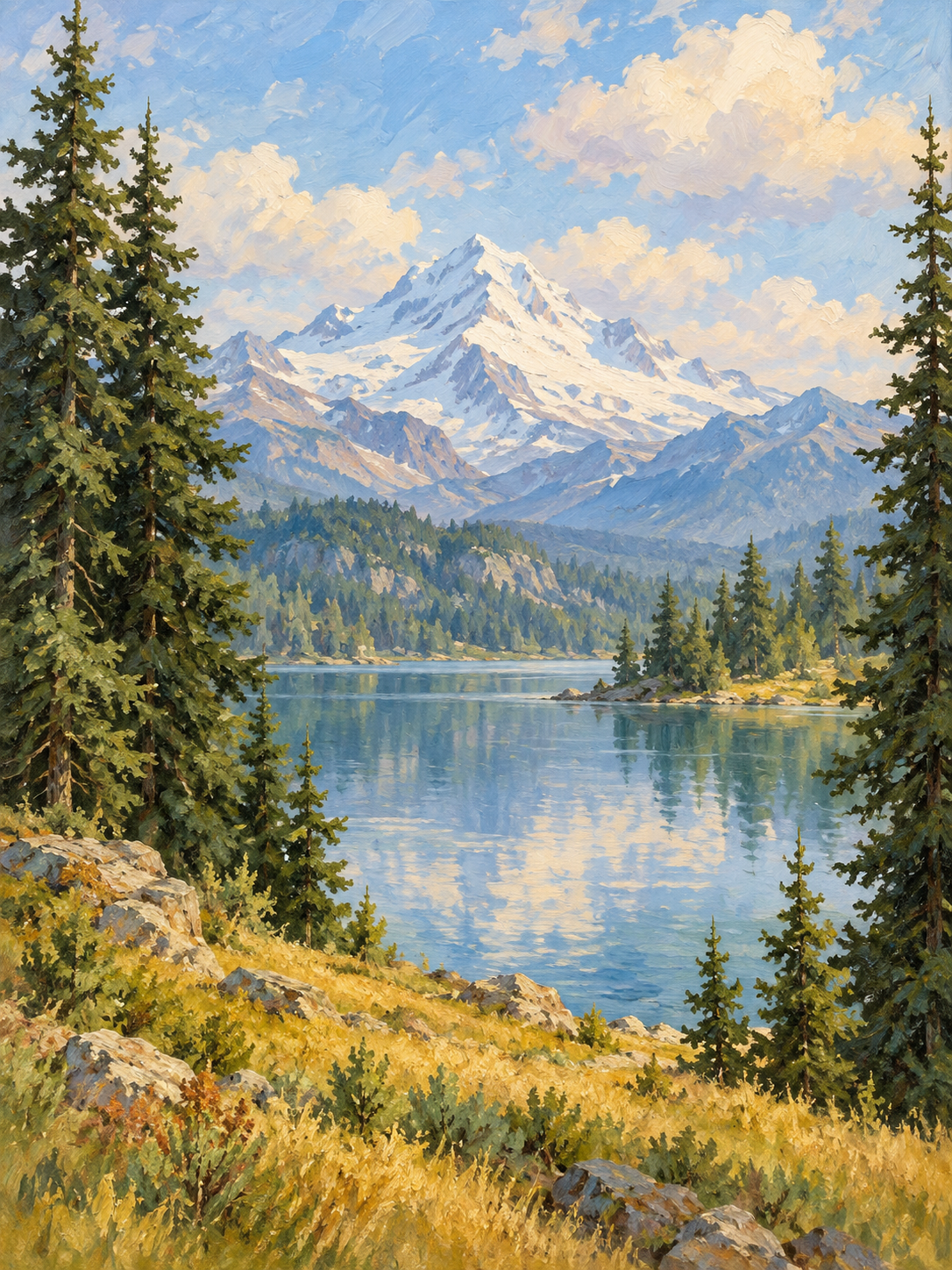
An evergreen forest and mountain reflected in a peaceful lake
3.

The happy result

Your inspiration. Right at home.

How would you like to see it?
A little inspiration
Explore the shop

Your photos stay right here in your browser. A little space, just for you.

THE LITTLE PRINT SHOP · SAMPLE COLLECTION

Happy little things for your walls

Peaceful places. A touch of color. A little more you.

You don’t need to be an artist.
You just need a little imagination.

GOOD THINGS, ALL TOGETHER

Your little bag

Subtotal

Sample print prices. Shipping and tax aren’t included.

The studio is taking shape. You can explore and save a bag, but orders aren’t open yet.

LET’S MAKE SOMETHING HAPPY

A little inspiration.
Three simple steps.

  1. Bring your room.

    Choose a well-lit photo with a clear view of the wall you want to decorate.

  2. Bring your inspiration.

    Upload an artwork or a favorite photo. A tightly cropped, straight-on image works best.

  3. Find its happy place.

    Choose framed art or a whole-wall sticker. For a frame, drag and resize the artwork. For a sticker, outline the wall and mark any existing decor to keep visible, then save your image.

Wall stickers use the wall and protected areas you mark. Objects aren’t detected automatically, so include existing frames, mirrors, shelves, and furniture before saving. This is a visual guide, not a measurement.

MAKE ROOM FOR SOMETHING BIG

A wall of happy little possibilities.

First outline your wall. Then outline anything in front of it—pictures, mirrors, shelves, or furniture—to keep those parts of your photo untouched.

Tap the four wall corners: top left, top right, bottom right, then bottom left.

Tap or click to place points. With the image focused, use arrow keys to move the crosshair and Enter to place a point. Backspace removes the last point. Tab moves to the controls.

Anything outside your wall outline stays untouched. Only the areas you mark are protected.

YOUR SPACE IS YOURS

A little peace of mind.

Your uploaded photos are processed in this browser and aren’t sent to a server. Reloading the page clears them.

Your shopping bag and favorite artwork are saved on this device so they’re here when you come back. No payment information is collected on this preview site.